See the loadout, GUI & sky in 3D. No download needed.
Description
TÜRKÇE (TR)
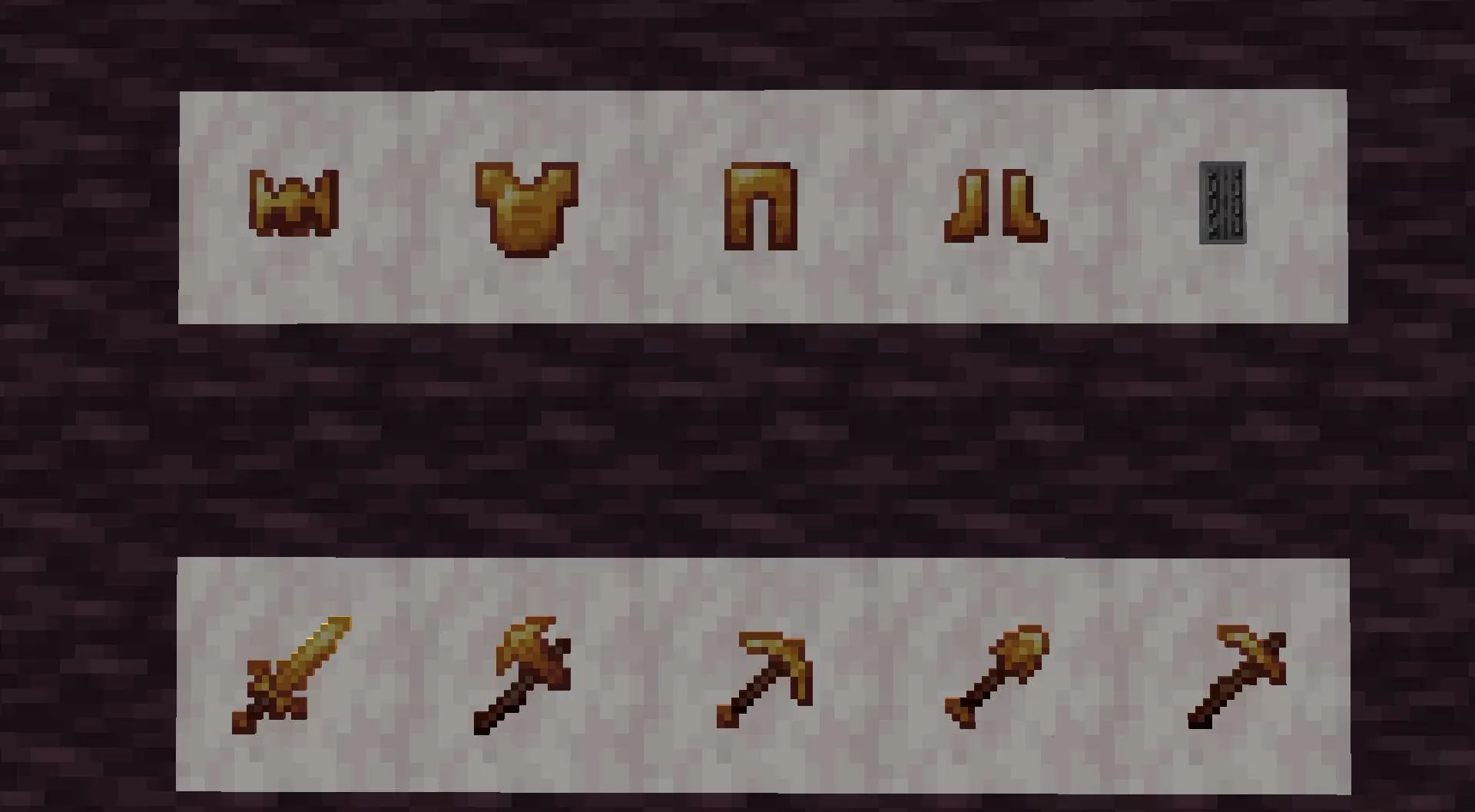
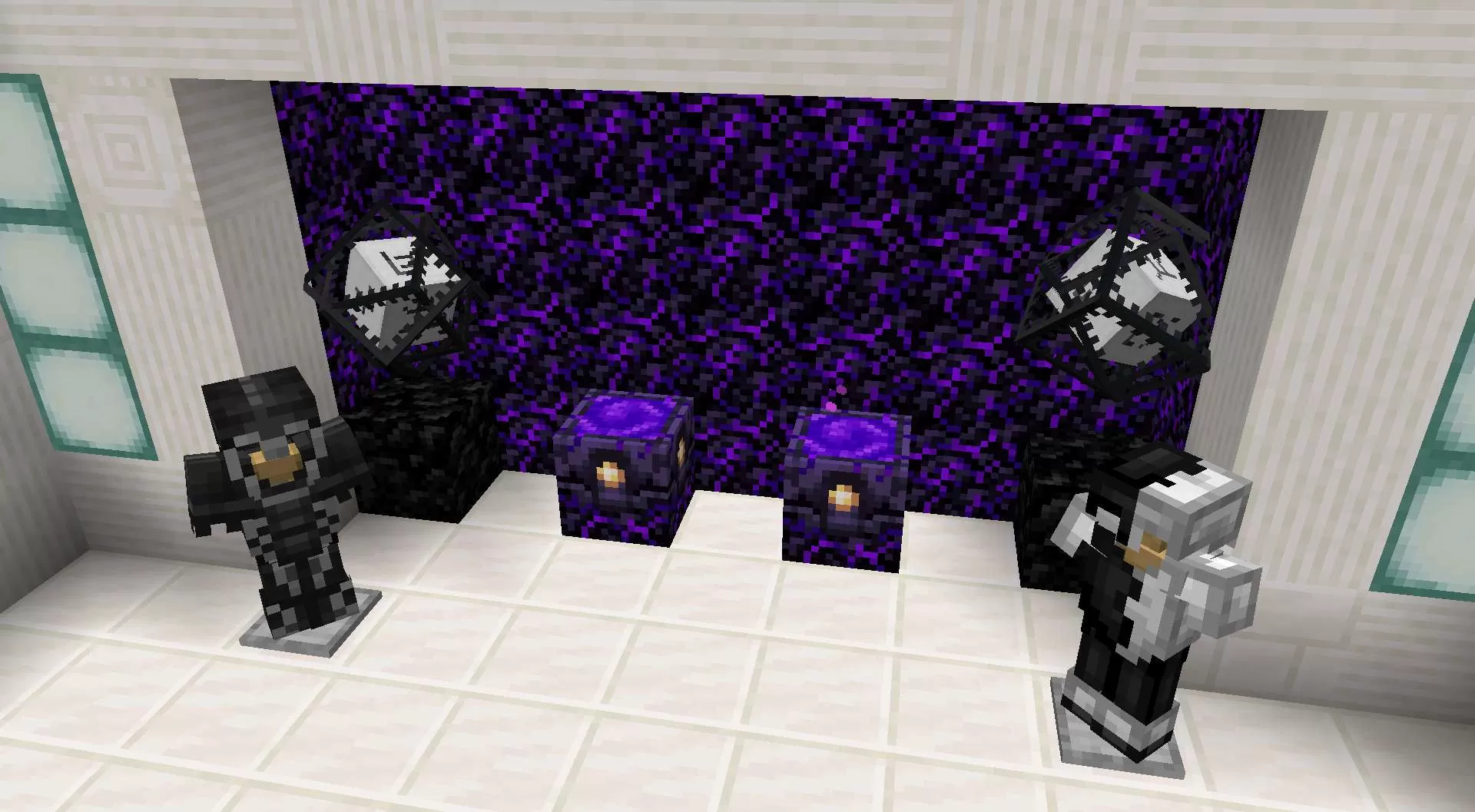
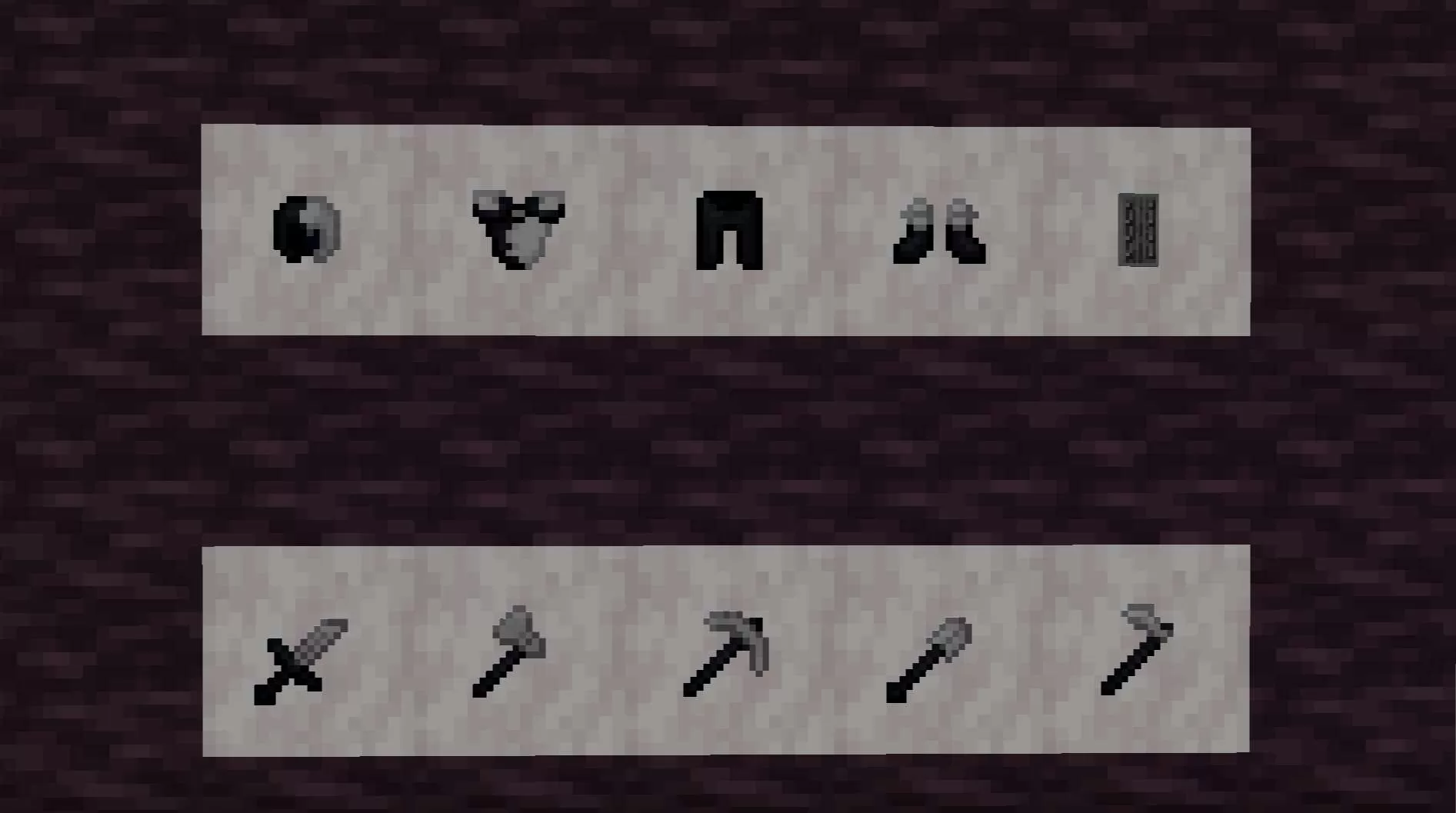
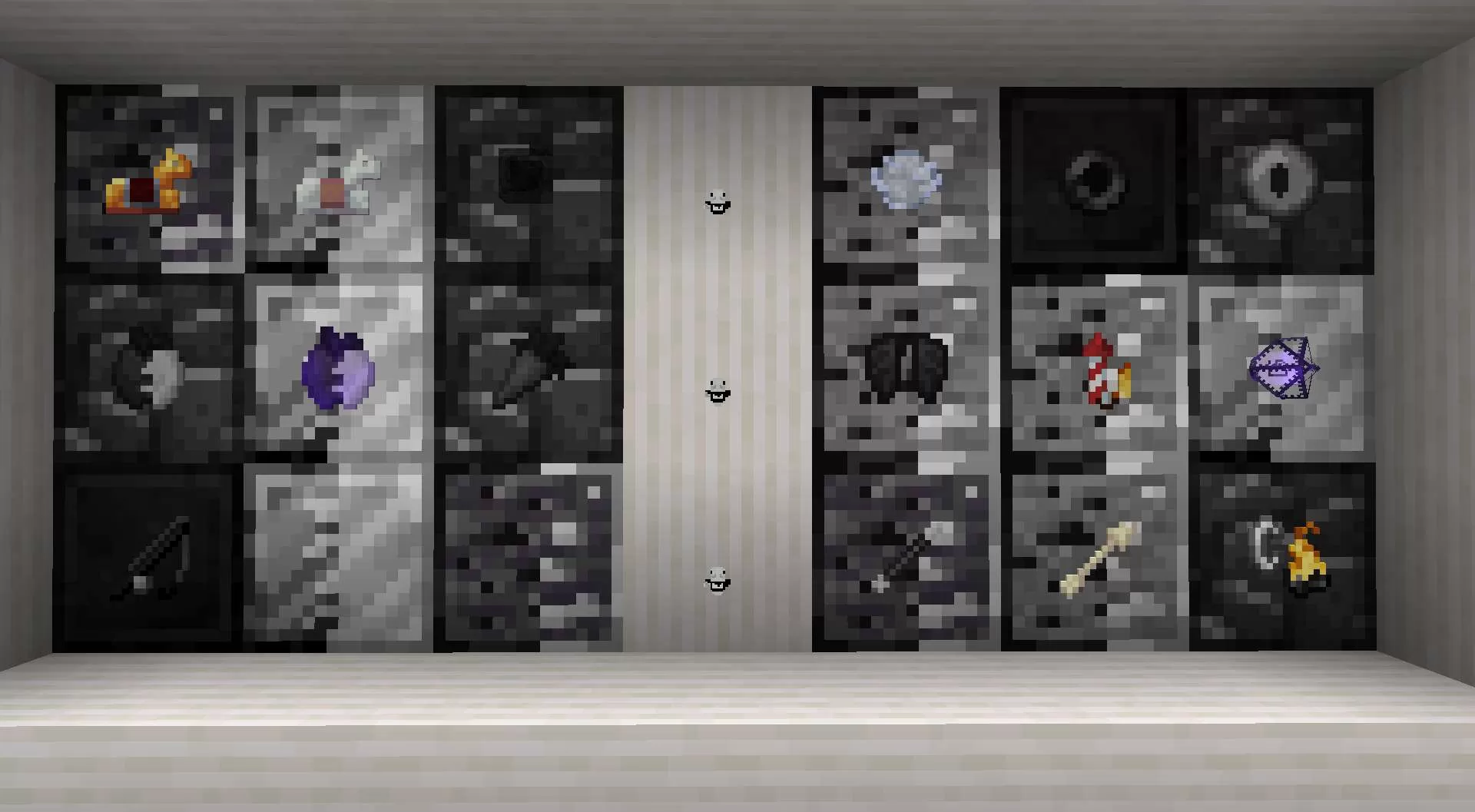
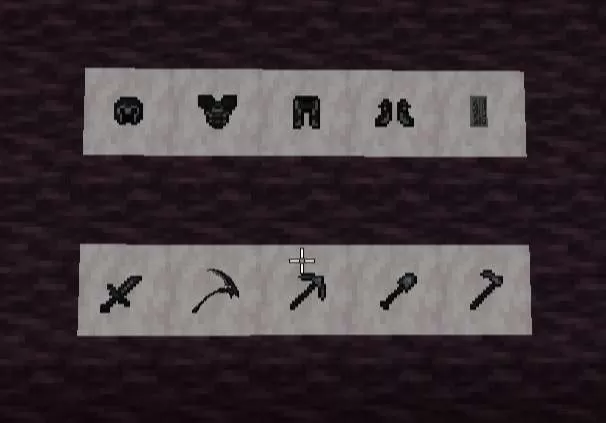
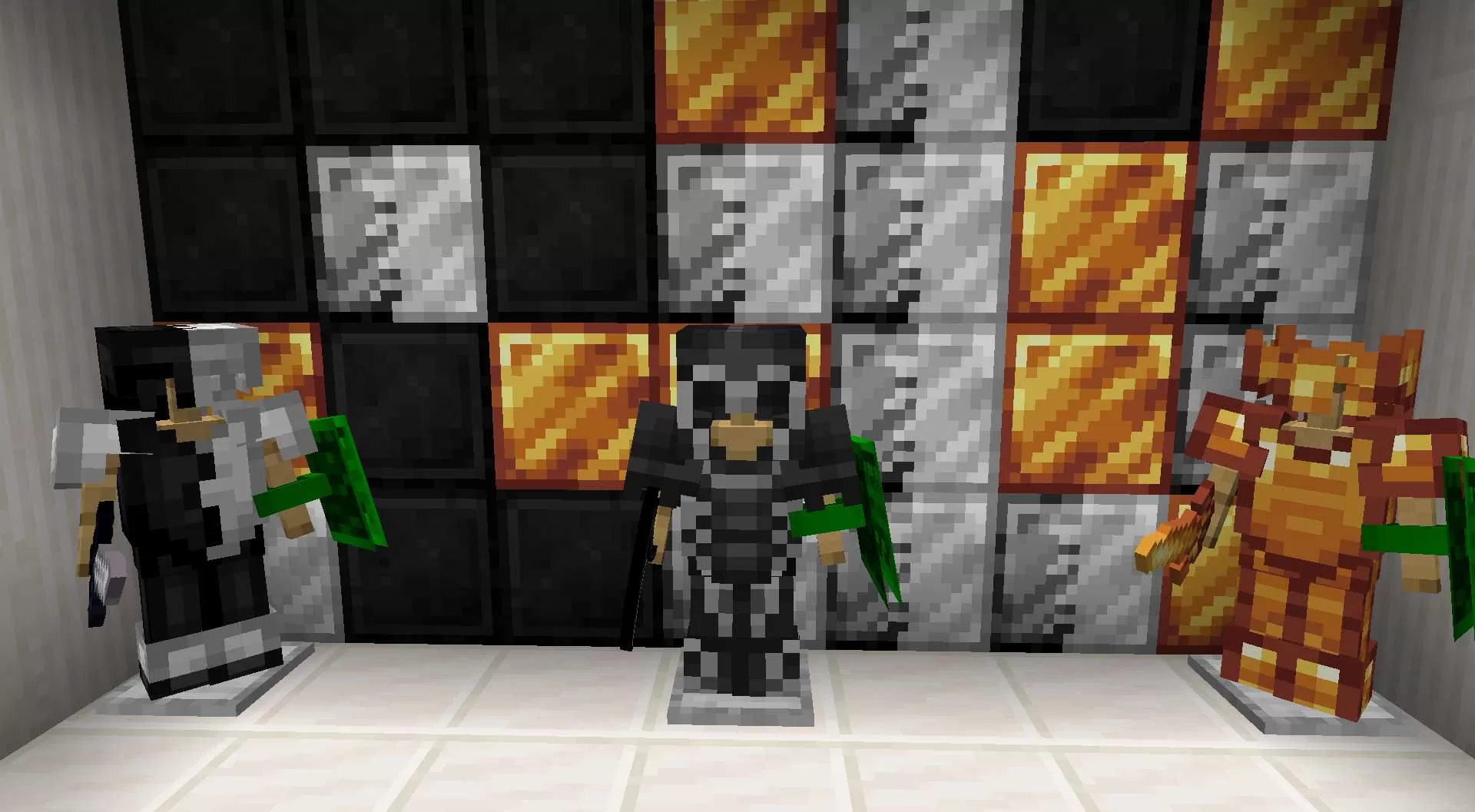
Karanlığı hakim olmak istiyorsan doğru yerdesin.Çoğu oyuncu kaliteli bir dark tema texture pack bulmakta zorlanıyor; ya gereksiz parlak oluyor ya da fazla karanlık. The Darkness bu dengeyi kurmak için tasarlandı: koyu atmosfer, net görünürlük, PvP odaklı detaylar ve göz yormayan tonlar.Karanlık estetik, performans ve okunabilirlik tek pakette toplandı.Hem rekabetçi PvP’de atmosferinde kusursuz uyum sağlar.
ENGLISH(EN)
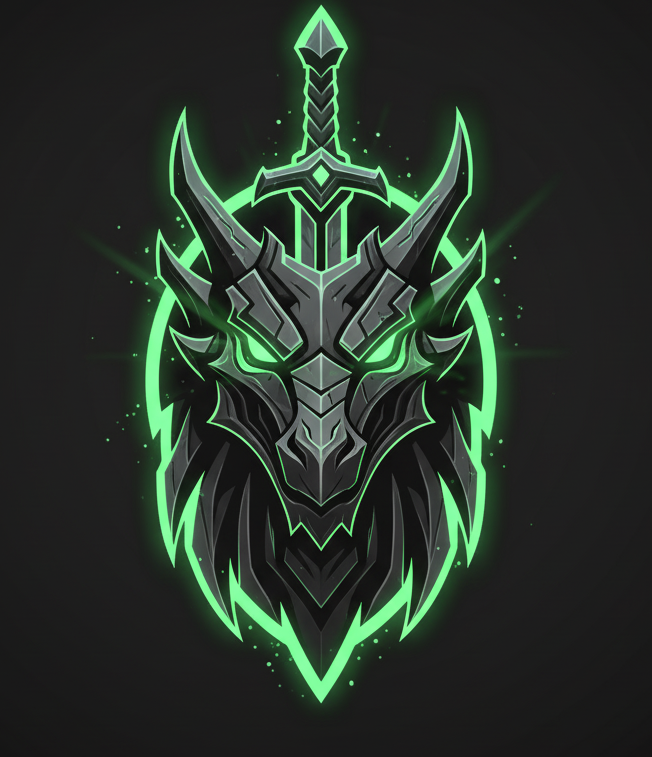
If you want to dominate the darkness, you're in the right place.Many players struggle to find a quality dark theme texture pack; it’s either too bright or too dark.The Darkness was designed to strike this balance: a dark atmosphere, clear visibility, PvP-focused details, and eye-friendly tones.Dark aesthetics, performance, and readability are all combined in one pack.It perfectly fits the atmosphere of competitive PvP.
Pick Bedrock or any Java version below to get a ready-to-use converted copy instantly. Your normal download stays untouched.Pick Bedrock or any Java Minecraft version below and get a converted copy ready to use instantly.
Bedrock Edition
Java versions
Finish the steps above to unlock your download first.
Sign in to rate this packAdd your stars and help the best packs rise.
0
Rate Pack
Enjoying this pack? Leave a rating and help other players discover it. Every rating you give also earns profile XP toward amazing leveling rewards you can unlock along the way.Enjoying this pack? Rate it to help other players find it. Ratings also earn profile XP toward leveling rewards
(0 ratings)
How to use a Texture Pack:
Downloaded the pack? Here's how to get it into your game:
Open Minecraft
Go to Options → Resource Packs
Click Open Pack Folder
Drag the .zip you just downloaded into the folder that opens
Back in the game, click the pack so it moves to the selected side
Press Done and let the textures load
That's it — your game has a brand new look! Stuck on a step? The video guide walks through it.








 PC/Java Edition


![Acid [ ] 16x by Luc4sPacks on PvPRP](https://pvprp.com/thumb.php?src=assets/packs/Luc4sPacks/7244/banner.png&w=400)
![jumpman23. [v1] 64x by xSkadush on PvPRP](https://pvprp.com/thumb.php?src=assets/packs/xSkadush/1009/banner.png&w=400)


![Malisia [5k] 16x by Waterpig_mc on PvPRP](https://pvprp.com/thumb.php?src=assets/packs/Waterpig_mc/8033/banner.png&w=400)