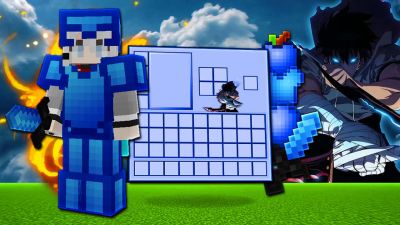

 PVPRP BEDROCK



After downloading your pack, follow these steps to get it working in your game:
If the file is a .zip, rename it to .mcpack before opening it.
Explore more pack collections
Find your next look — browse the library, download in one click, and wear it in game.
Browse Skins or upload your own →
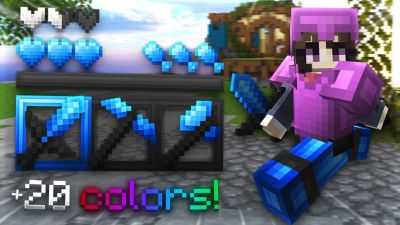




 Bedrock Edition